
Setup & account
Platforms & Currencies
Tell Dancarly where you sell and which currency you use once, and those choices flow through the whole app.
Choose your platforms
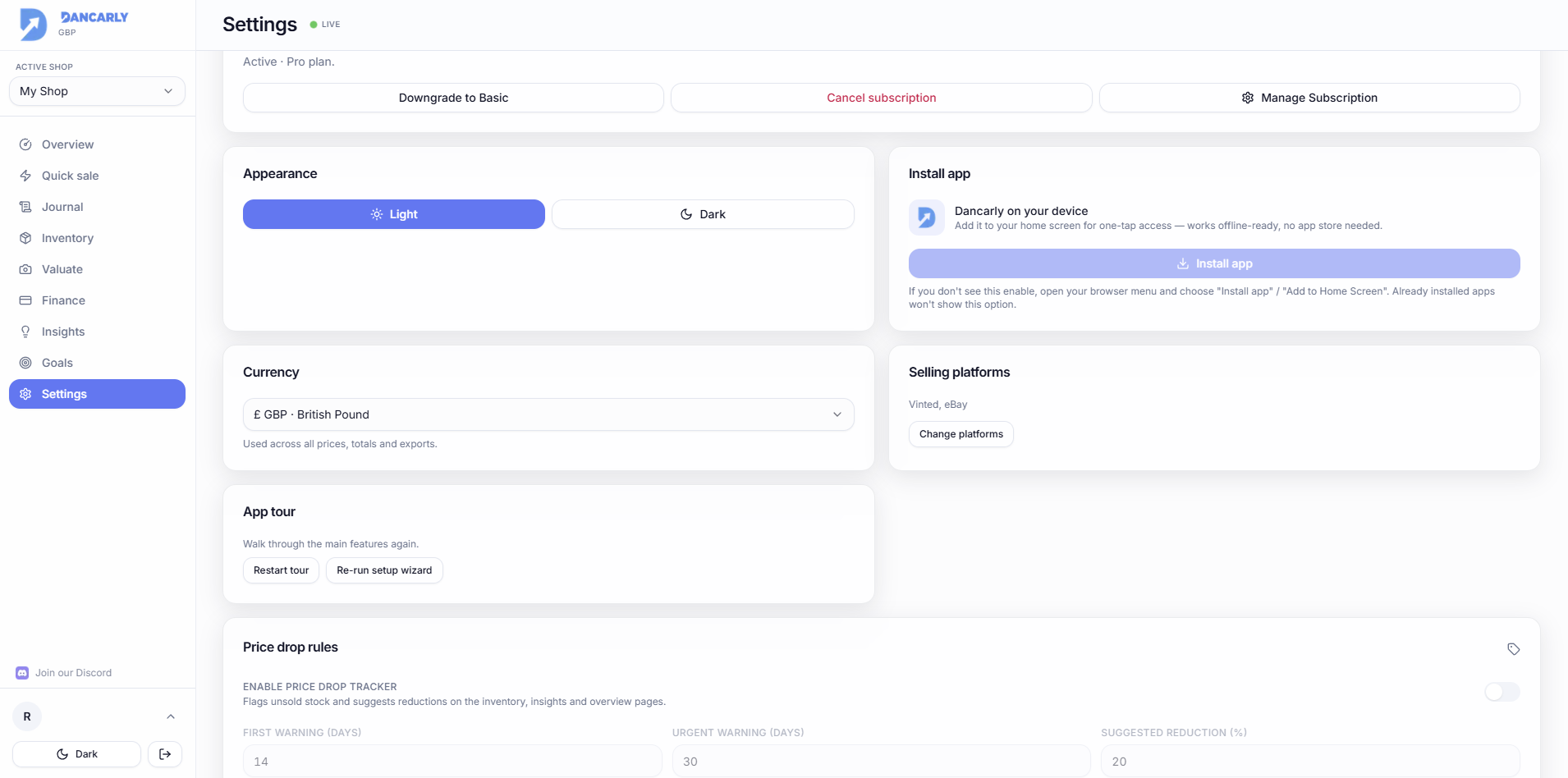
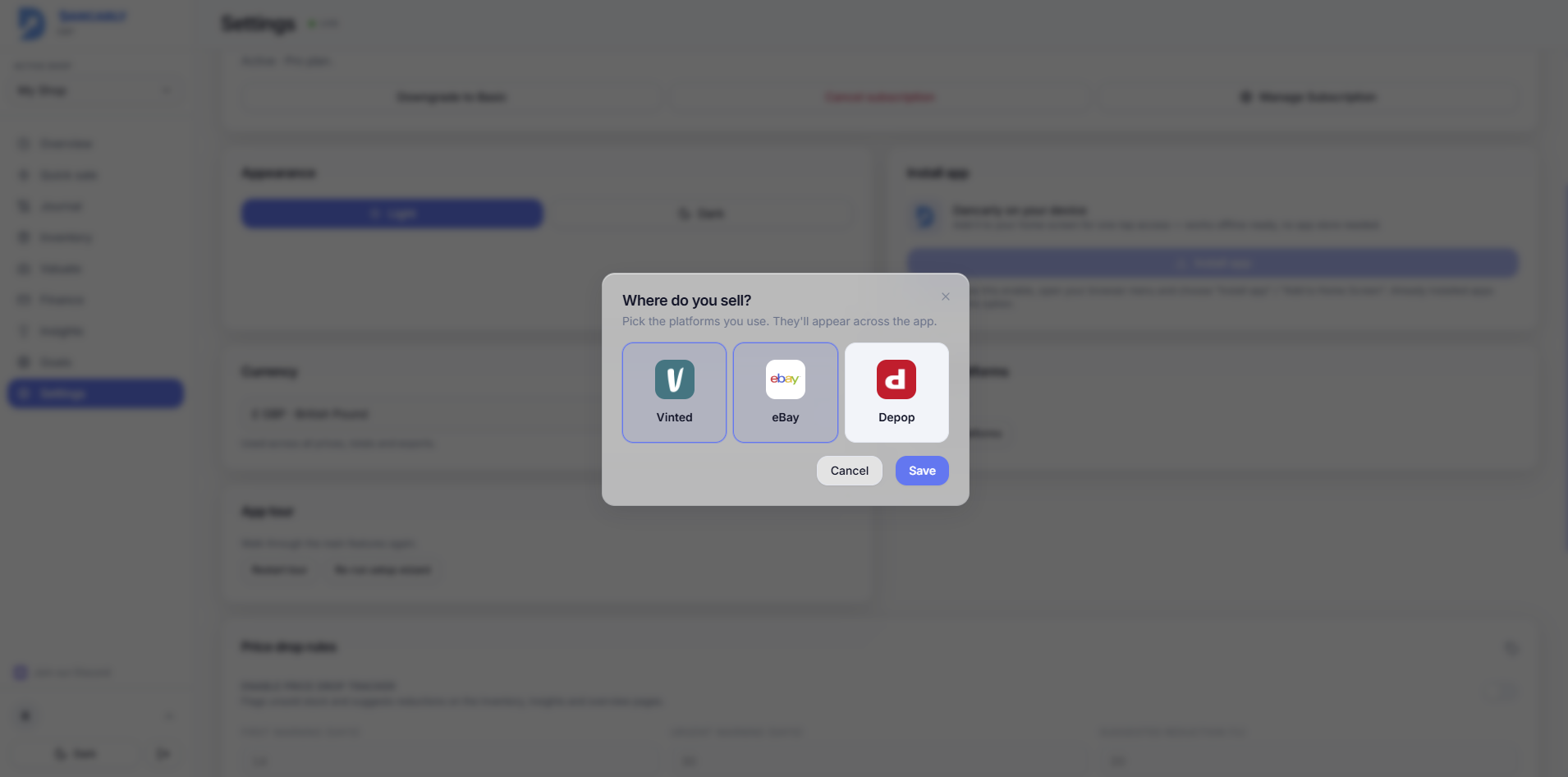
In Settings, pick the platforms you sell on (Vinted, eBay, Depop). Your choice is the single source of truth: only those platforms appear in the dropdowns in Quick Sale, when adding items, and in Journal filters.
- Enable just one platform and it's pre-selected for you everywhere.
- Past sales logged under a platform you later turn off still display correctly, only new dropdowns are filtered.
Set your currency
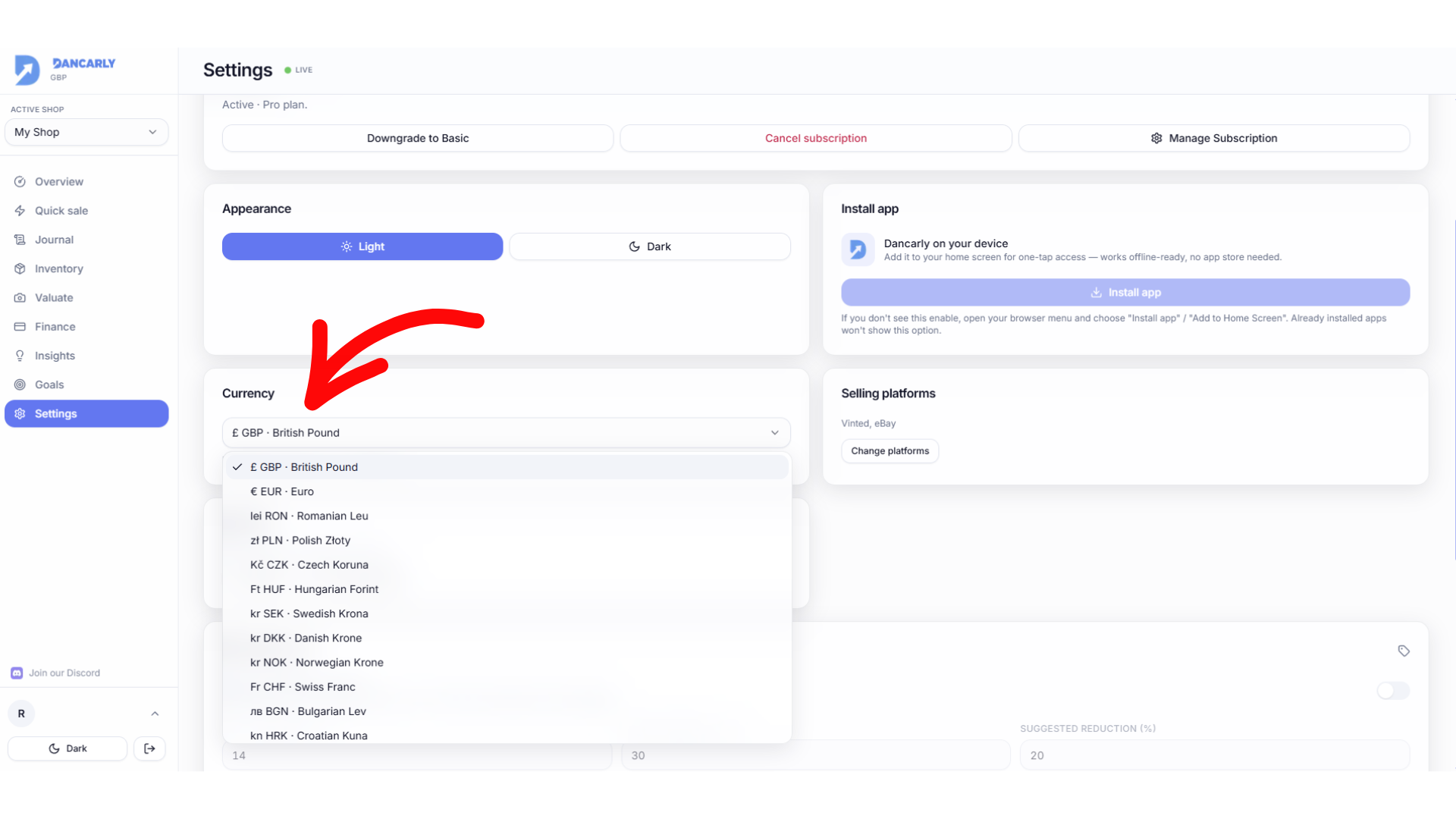
Choose GBP (£), EUR (€) or RON (lei). Every amount across the app, inventory cost, sale prices, profit, exports, is shown in your selected currency.