

Analytics & money
Goals & Profit Forecast
Set a monthly profit goal and let Dancarly turn it into daily targets with an adaptive forecast that learns your rhythm. The forecast is a Pro feature.
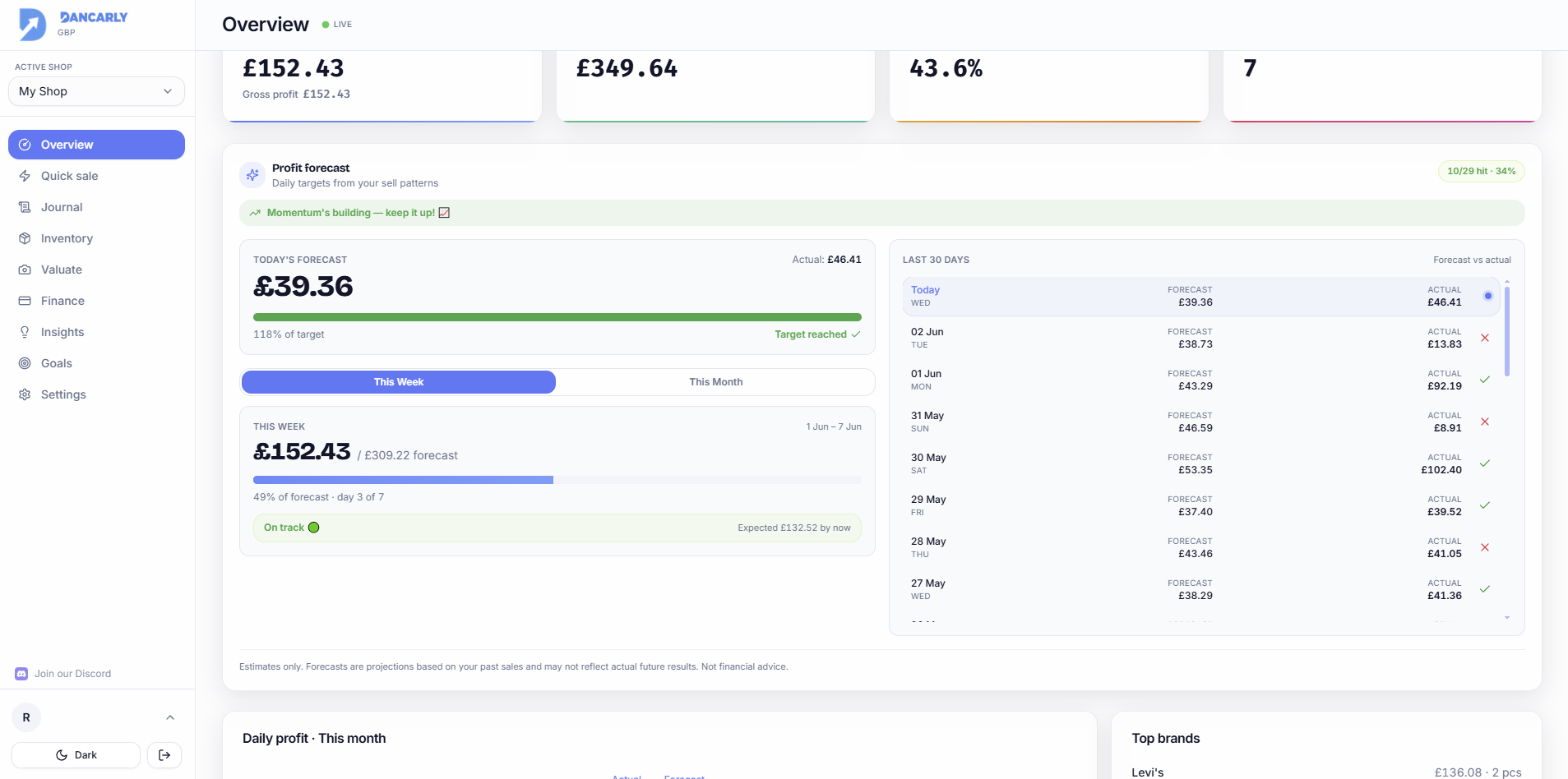
Set a monthly goal
- 1Open Goals (or set it in Settings).
- 2Enter the profit you want to make this month.
- 3Track the live progress bar on Overview and Goals as sales come in.
How the adaptive forecast works
The Profit Forecast projects realistic daily targets from your recent sales, weighting the last 7 days most heavily so it responds to momentum. It needs about 14 days of history before the adaptive mode kicks in; before that it uses a simple average.
- It detects whether you're trending up, flat or down.
- Your hit rate (how often you meet the daily target) nudges the forecast: crushing targets aims higher, struggling keeps it gentle and realistic.
- Built-in caps and smoothing stop it jumping or crashing on one unusual day.
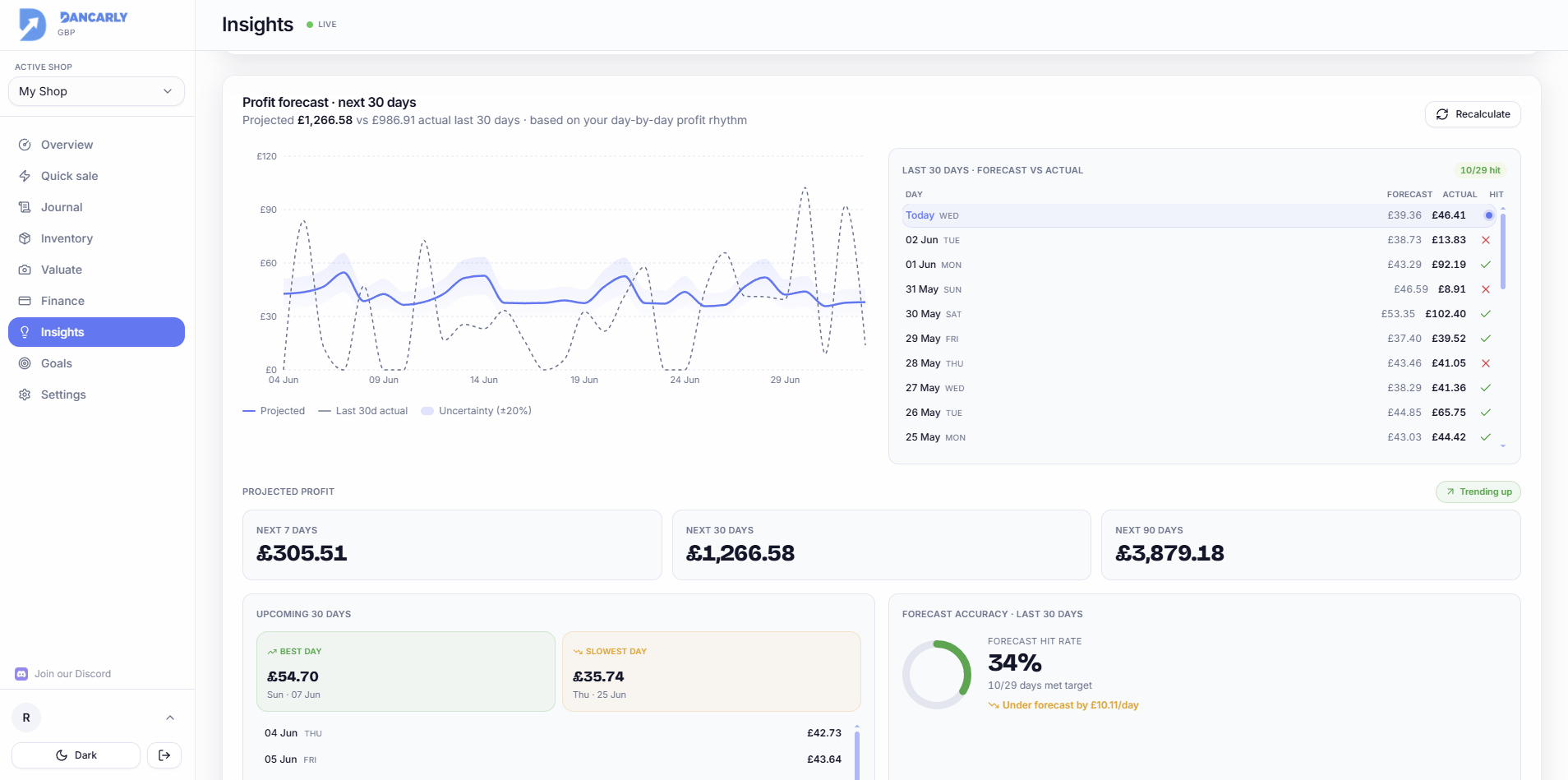
Hit rate & daily targets
The “X/Y hit · Z%” badge shows how many recent days met their target. A short, friendly message reflects your trend, a nudge when you're on a roll and encouragement on a slow week.
Estimates only
Forecasts and targets are projections from past sales, not guarantees of future earnings.