

Analytics & money
Finance & Exports
Finance is the full money picture: every sale, expense and refund, rolled up into gross and net profit, and exportable for your records or taxes.
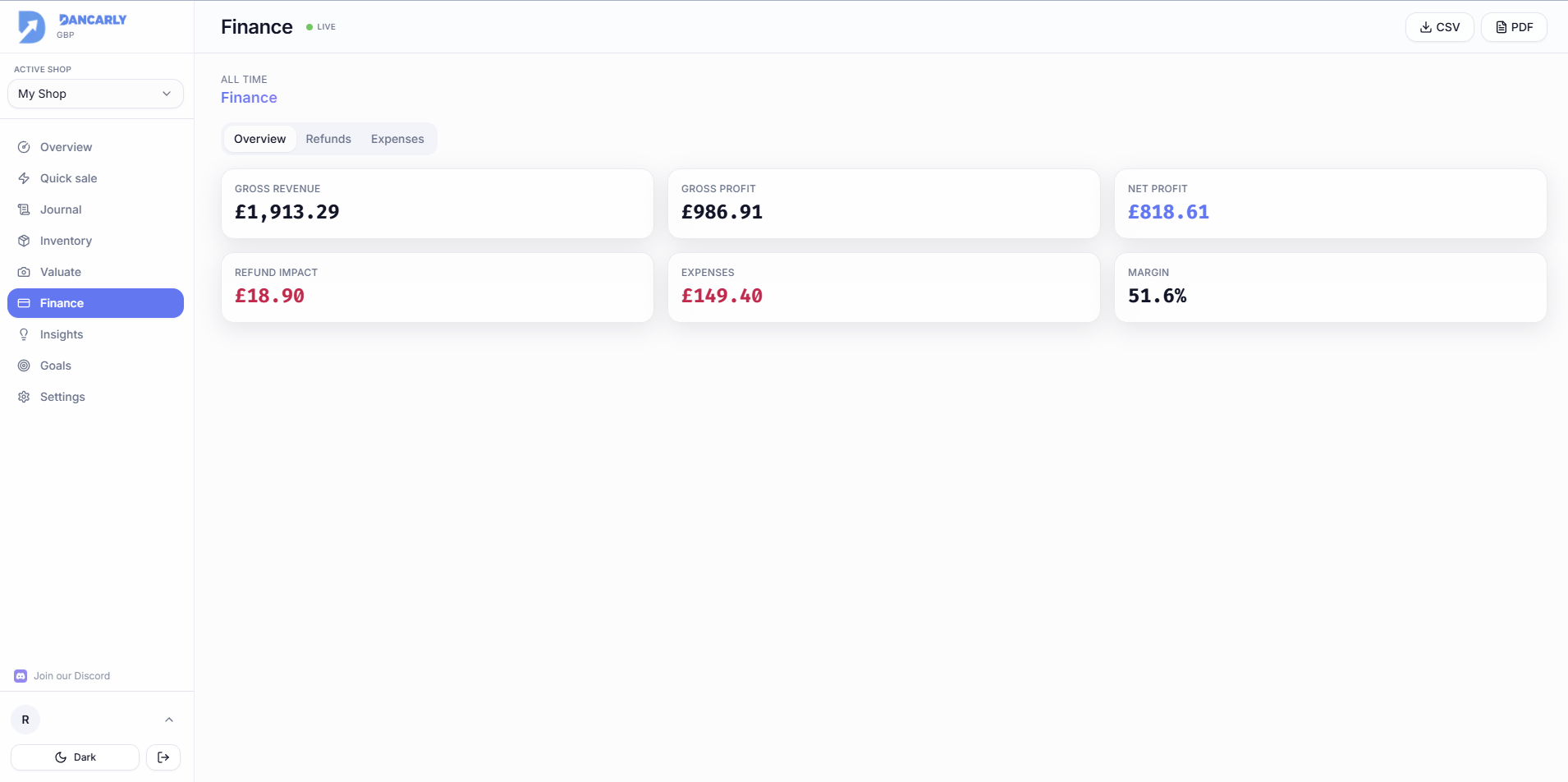
Gross vs net profit
- Gross profit, sale revenue minus the cost of the goods sold.
- Net profit, gross profit minus your expenses and the impact of refunds. This is your real take-home.
Expenses & refunds
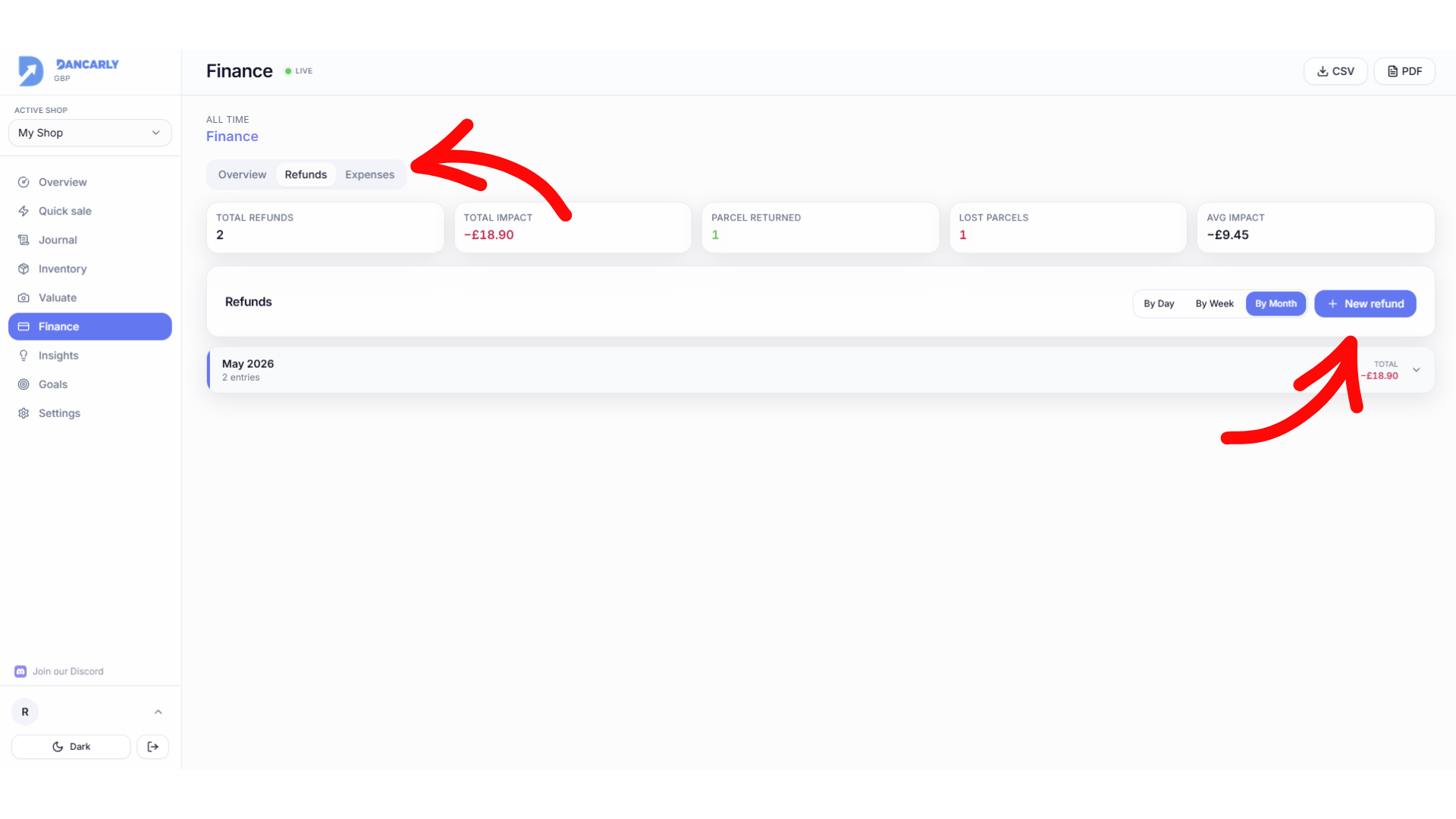
Log business expenses (postage supplies, subscriptions, travel) and any refunds you issue. Both reduce net profit so your numbers reflect reality, not just gross sales.
Export your data
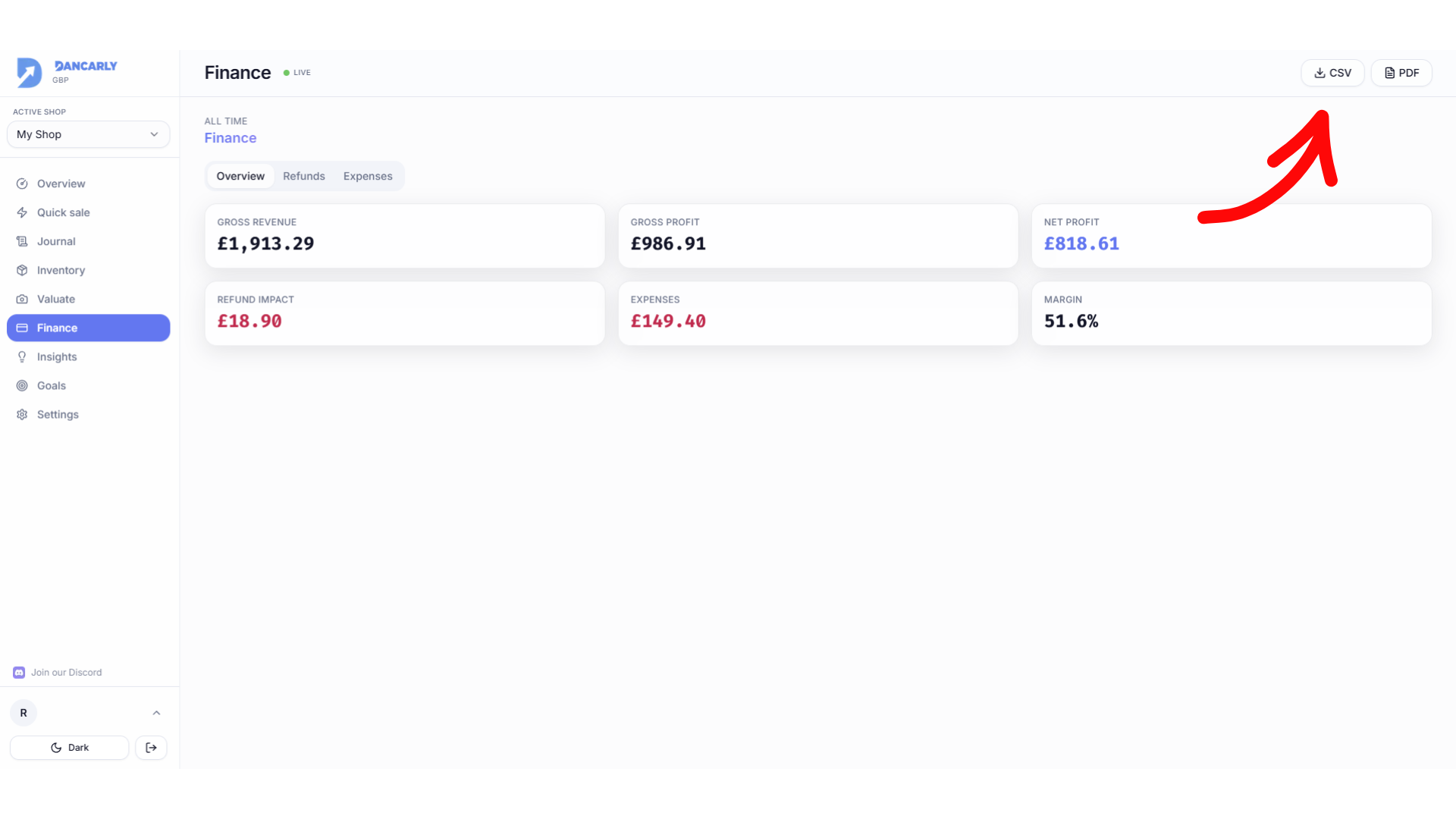
- 1Open Finance and choose Export.
- 2Pick CSV (for spreadsheets/accountants) or PDF (a formatted summary).
- 3The file downloads with your sales, profit and platform breakdown.
Tip
Exports are great at tax time or for sharing a clean summary with an accountant.